
Vectorworks Landmark vs Hadaa: Draw It in Landmark, Show It as a Photograph
Vectorworks Landmark is where a landscape design gets drawn, modelled and documented with precision. A photograph of that design is another job: in Landmark it means building the garden as a full 3D model — hardscape, plants, the house — then texturing, lighting and rendering it. Hadaa’s CAD ↔ Photo starts from the drawing itself, saved as a .dwg: it reads the file’s own geometry, builds the garden in 3D, house included, and renders it as a photograph that is checked against the drawing. No other landscape tool renders the DWG file itself.
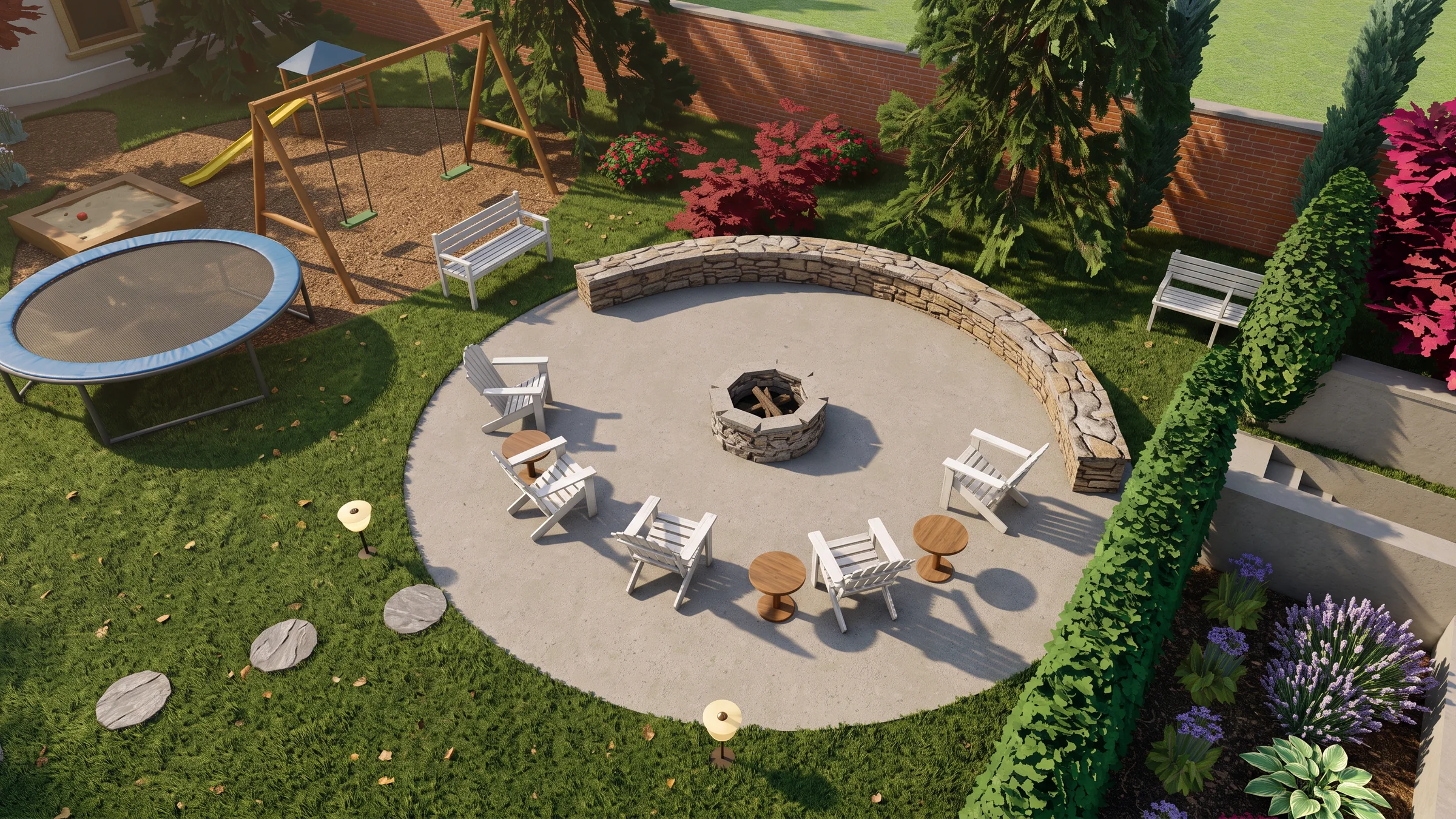
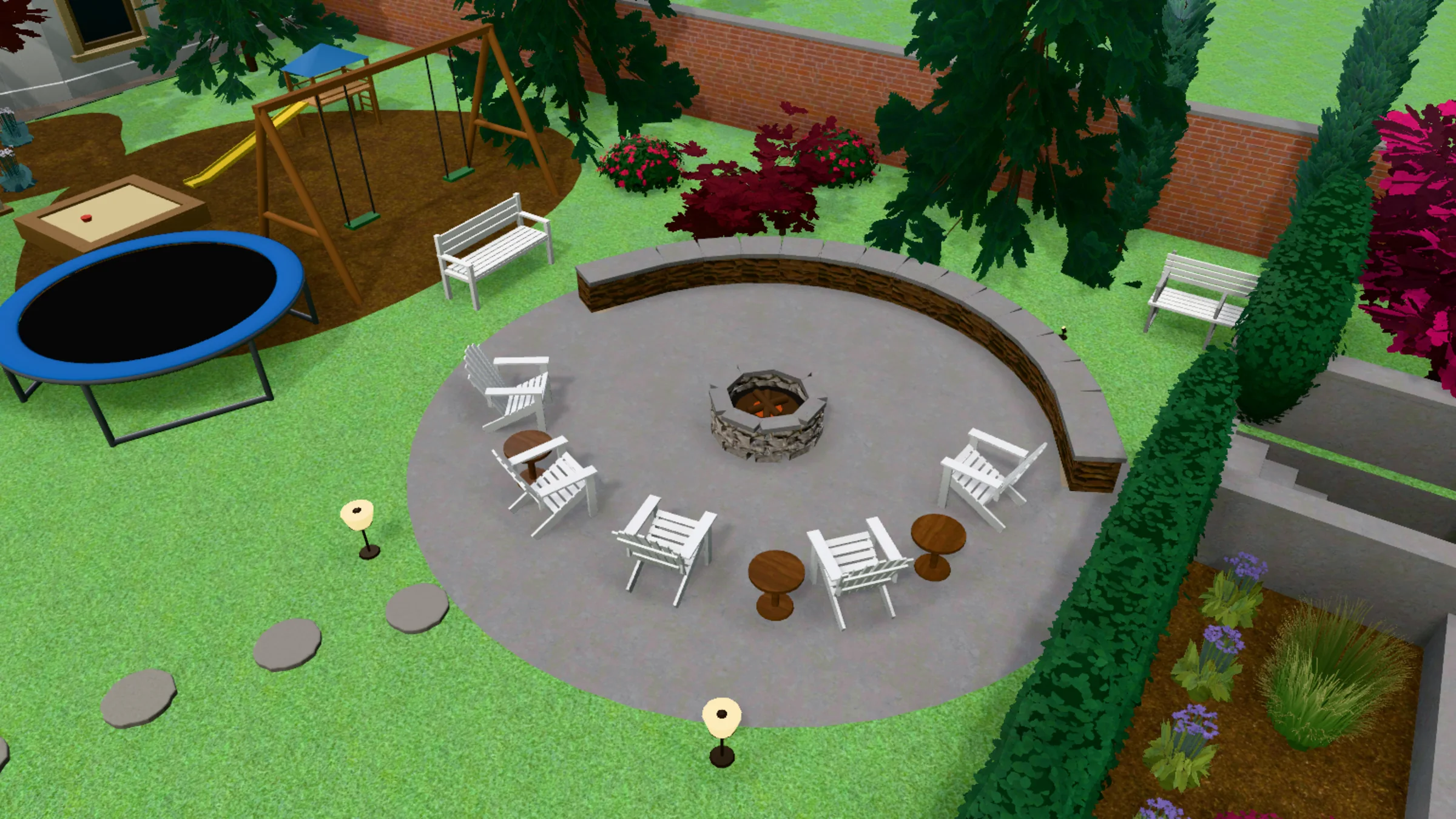 3D model
Render
3D model
Render
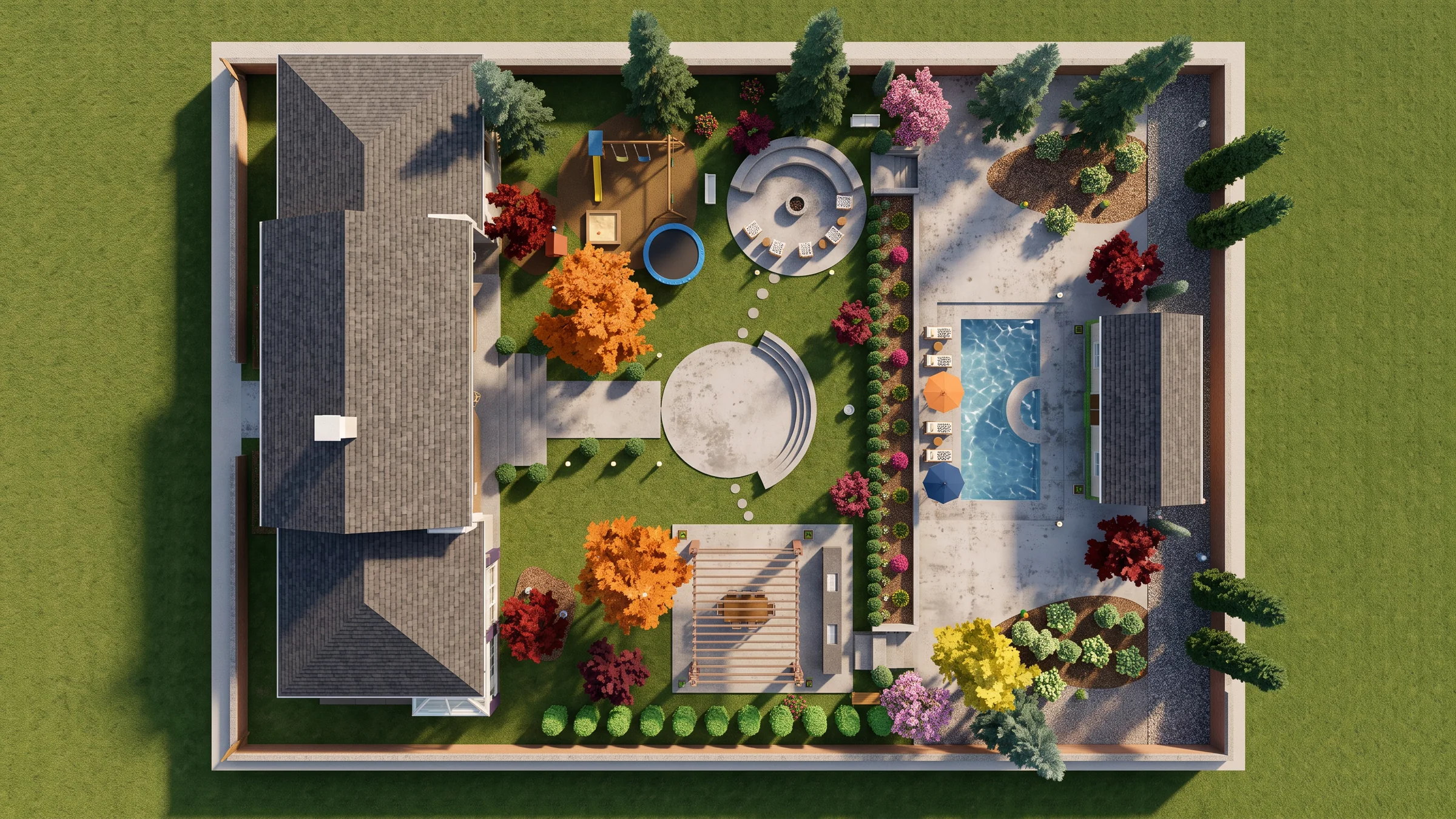
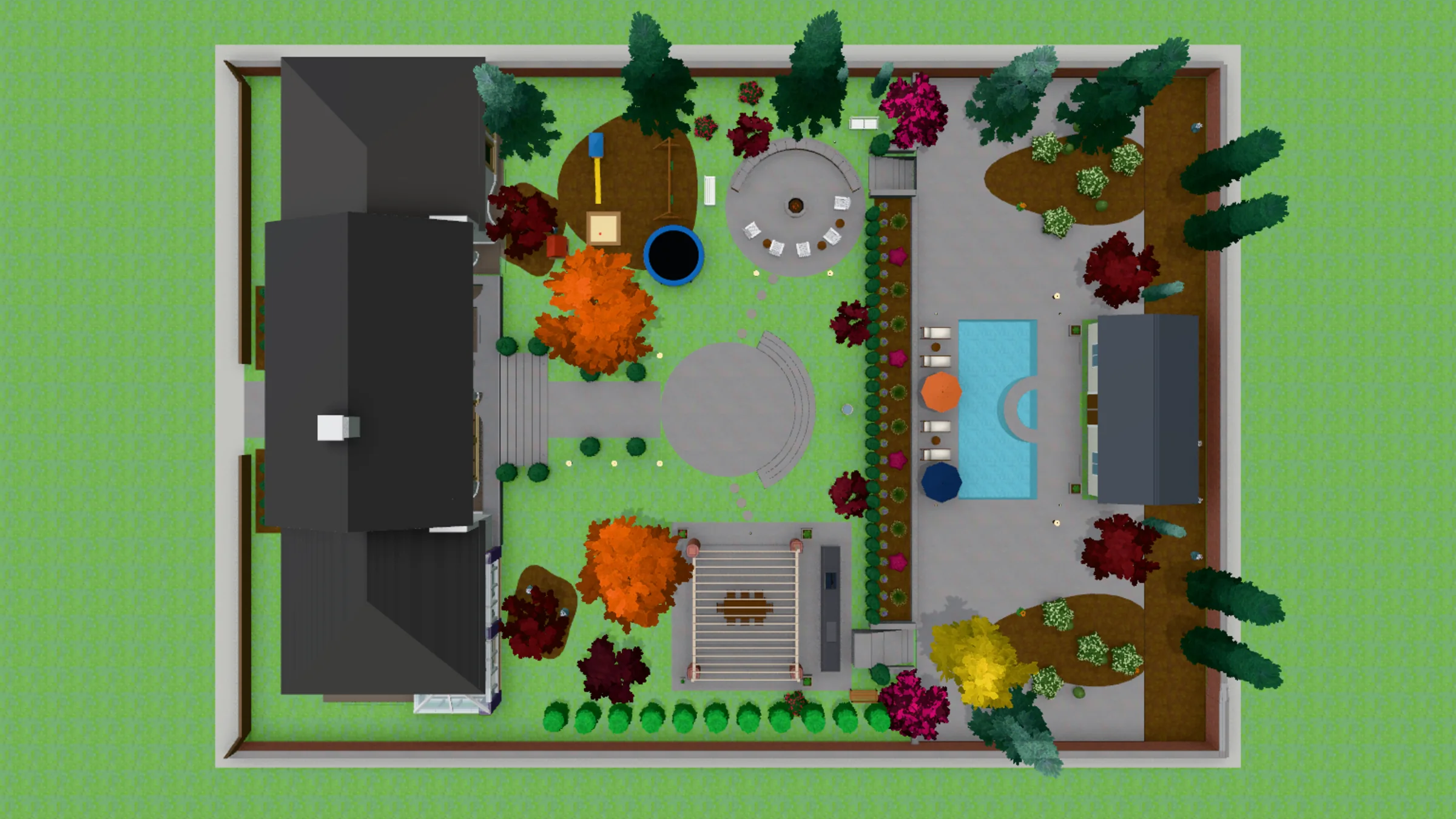
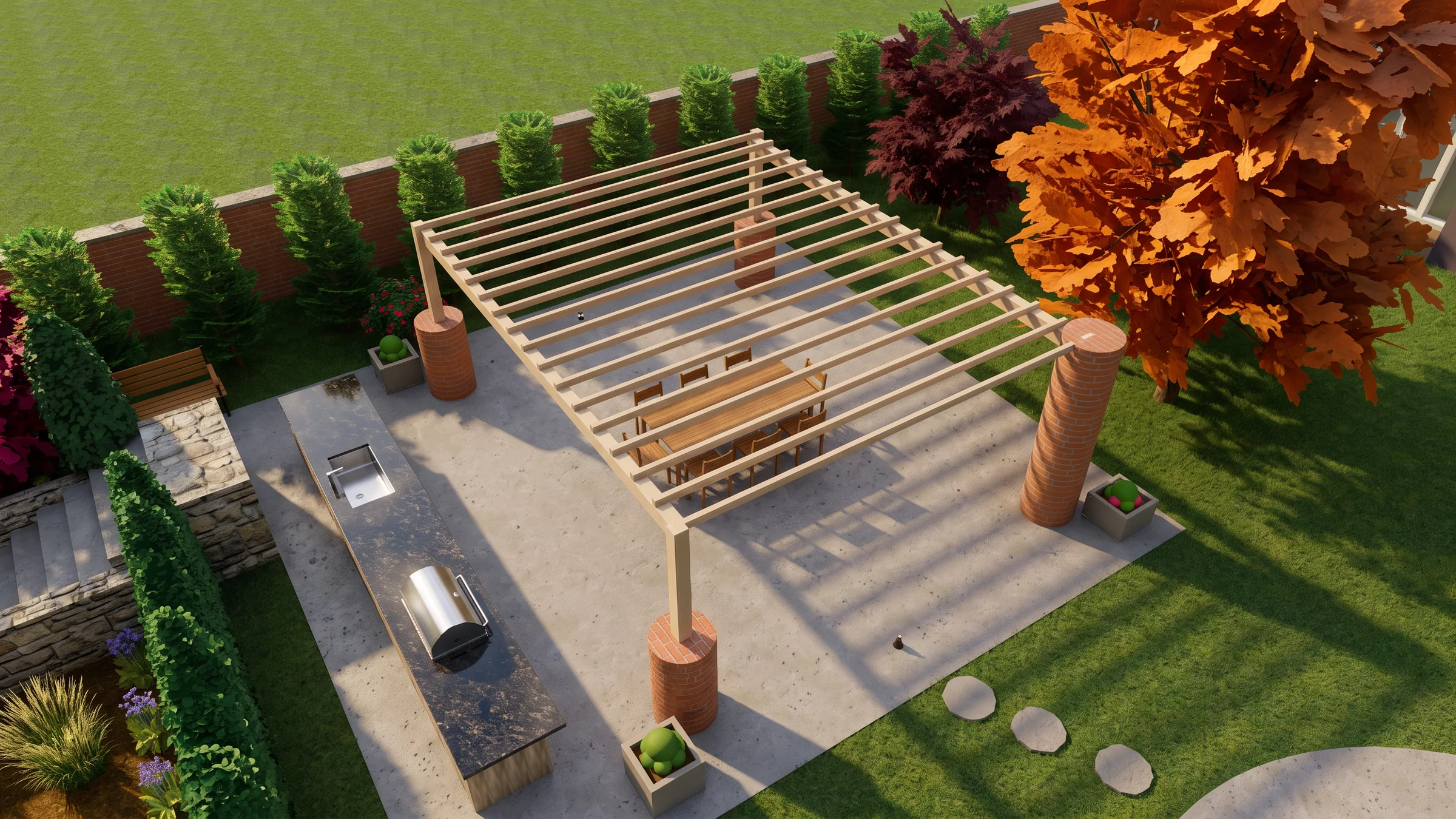
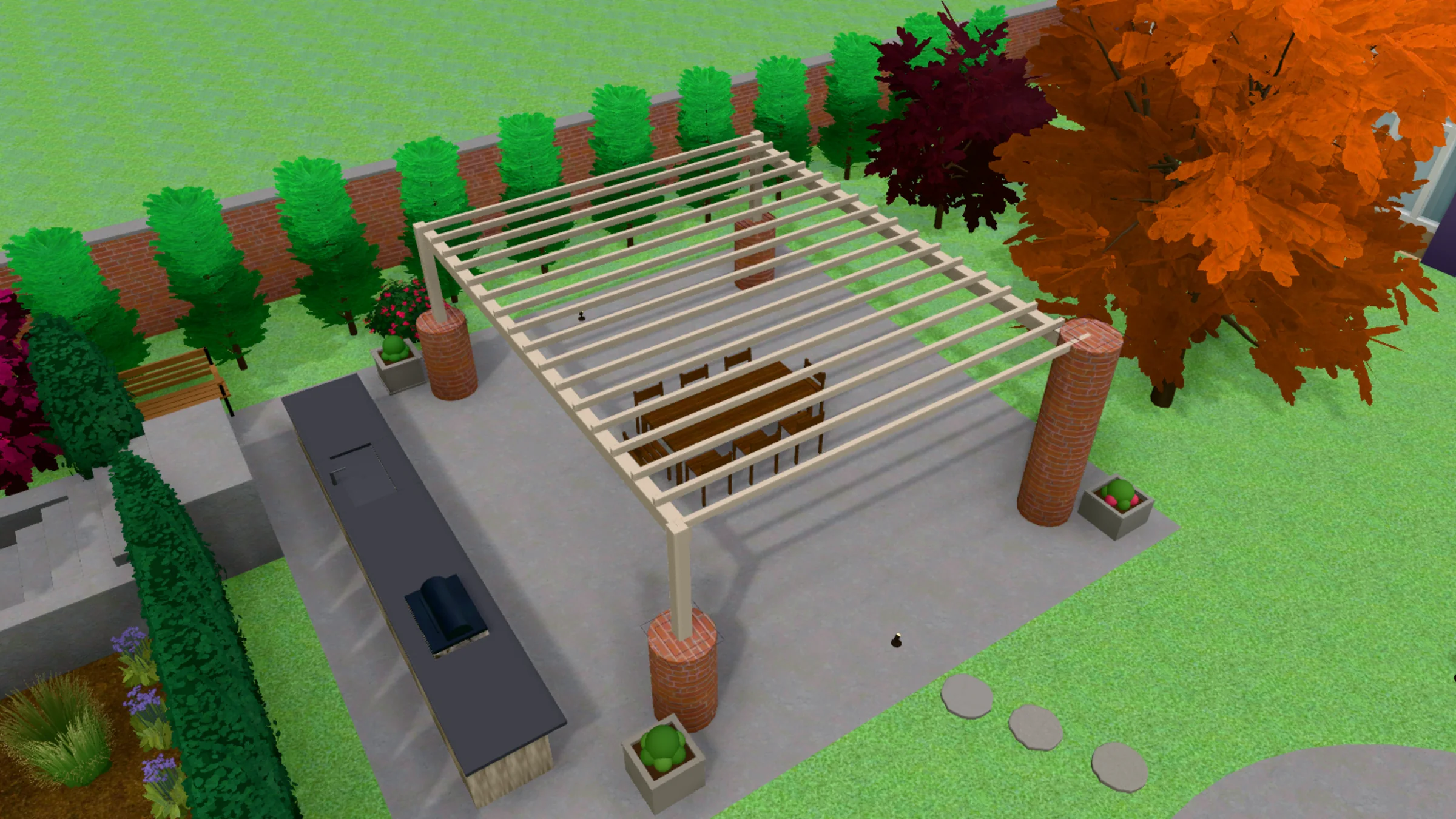
A real render beside the view drawn from its DWG. Drag the handle to compare.
Quick Answer
- From a DWG to a photograph: Hadaa wins — it reads the .dwg and builds the 3D garden itself. Landmark renders what has been modelled in it.
- Checked against the drawing: Hadaa wins — every view is measured against the drawing it came from and made again until it matches, up to 3 times.
- Precise drafting and construction documents: Landmark wins — Hadaa doesn’t draft at all.
- Site model, grading, plant schedules and quantities: Landmark wins.
- Best together: draw and document in Landmark, export the .dwg, render it in Hadaa for the client.
CAD ↔ Photo is in Signature Studio: $199 a month or $1,990 a year, 2,000 credits a month, on the web.
Disclosure: Hadaa is our product. Vectorworks Landmark is a far bigger tool than ours in every way but one — we’ve described it as honestly as we’d want them to describe us.
Comparison Table
Scroll horizontally on mobile. Landmark takes every row about making the drawing; Hadaa takes the rows about turning it into a photograph.
| What you get | Hadaa (CAD ↔ Photo) | Vectorworks Landmark |
|---|---|---|
| Photograph of a drawn plan | ✅ From the .dwg itself | From the 3D model you build in it |
| 3D model of the garden | ✅ Built from the file’s layers, blocks and levels | Modelled by you, with precise tools |
| What the engine chose | ✅ Every height and roof listed before you spend a credit | Whatever was modelled |
| Render checked against the plan | ✅ Every view made again until it matches, verdict shown | ❌ Renders the model as built |
| The design in your own site photo | ✅ Walk Around | Composite it yourself |
| Works from any CAD tool’s DWG | ✅ Any .dwg, whichever program saved it | Imports DWG to redraw or model over |
| Precise 2D drafting | ❌ Not a drafting tool | ✅ Yes |
| Site model and grading | ❌ Reads the levels you drew | ✅ Yes |
| Plant schedules and worksheets | ❌ No | ✅ Yes |
| Construction documents | ❌ No | ✅ Yes |
| Price | Signature Studio $199/mo or $1,990/yr | Subscription, monthly or annual, priced by region |
How Hadaa Renders the DWG
Hadaa CAD ↔ Photo — The Last Step After the Drawing
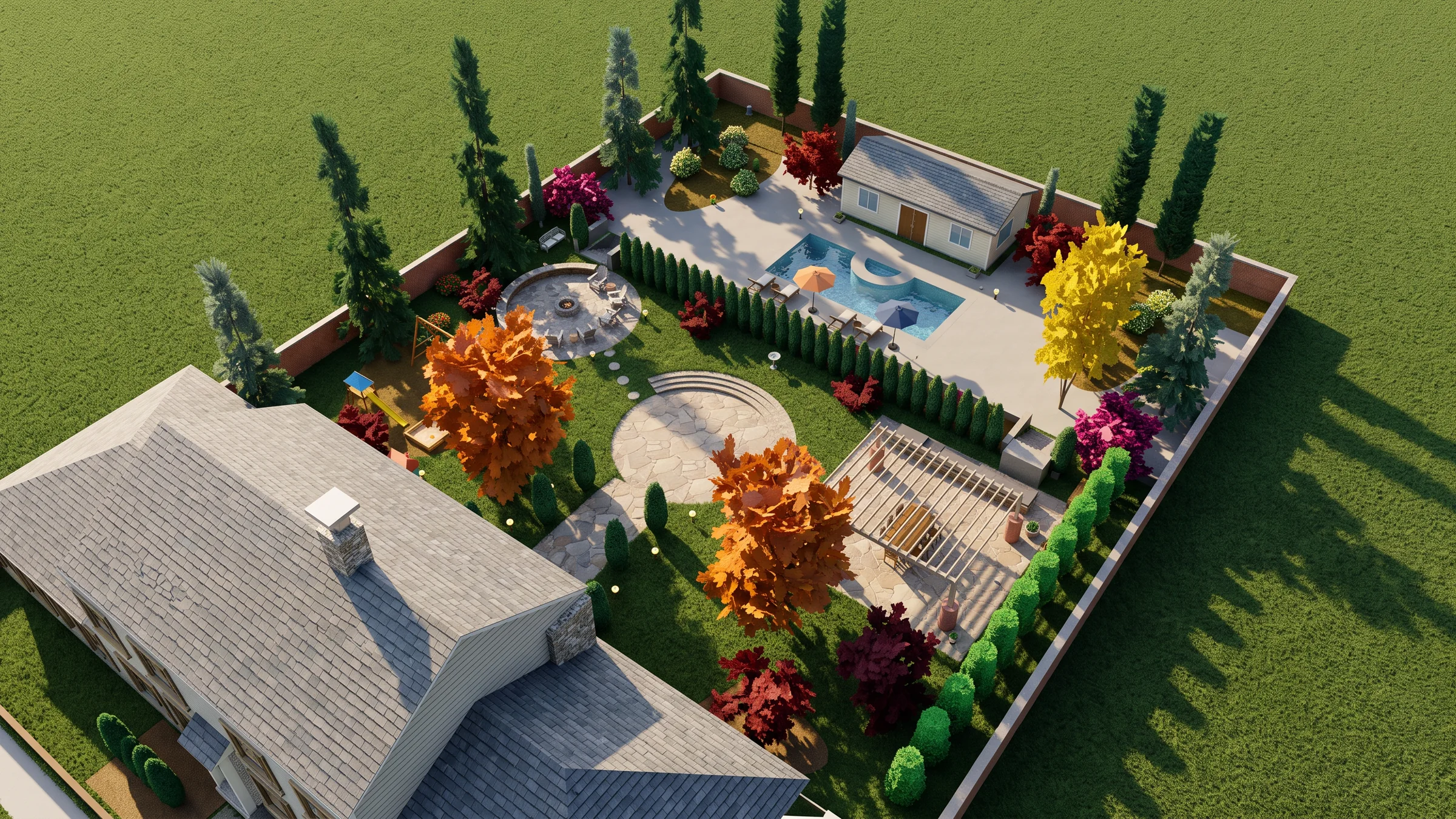
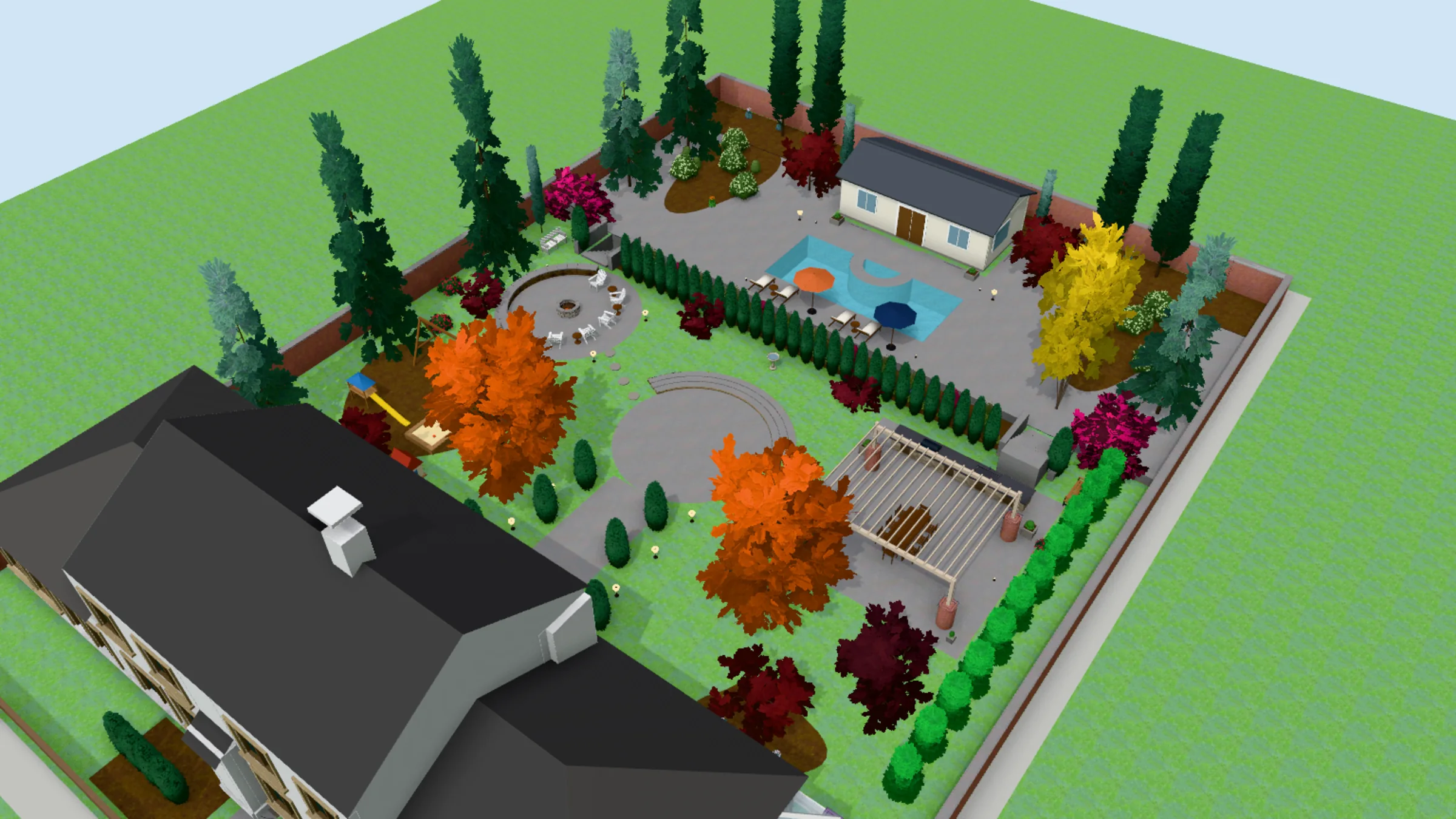 3D model
Render
3D model
Render
 3D model
Render
3D model
Render
 3D model
Render
3D model
Render
A screenshot is a picture of your design. The .dwg is the design itself: real units, a layer for every kind of thing, every tree placed by name. Hadaa CAD Engine builds the garden straight from it, and lists every height and roof it chose before you spend a credit. From it, Hadaa builds the garden — beds, paths, walls, fences, trees and the house — as a 3D model you can turn, slide and zoom from 20° above the ground to straight above. What each thing is made of is read from the drawing’s labels and hatches, and you can change any of it by clicking the model.
Then it renders: five recommended views — the plan and all four sides — or a shot you frame yourself, and Walk Around puts the design into a photo you took on site. Every view is measured against your drawing — 27 kinds of thing, among them the roof, paving, trees, fence, water and lawn — and made again, up to 3 times, until it matches. The verdict is shown under every render.
Reading the drawing, the 3D model, edits and materials are included in Signature Studio. Credits go on the images: 9 an image, 15 in high detail, and a checked view takes 1–3 images. A view we can’t make costs you nothing.
The honest boundary: Hadaa doesn’t draft, doesn’t grade a site, doesn’t schedule plants and doesn’t edit the DWG. Everything that makes the drawing is Landmark’s ground, covered below.
Bottom line
Landmark makes the drawing. Hadaa makes the photograph of it, without a second model, and checks it against the drawing.
See Your DWG Rendered →Where Vectorworks Landmark Wins
Credit where it’s due: Vectorworks Landmark is a complete professional landscape design environment. It drafts in 2D with precision, models the site in 3D with grading, places plants with their data and schedules them, counts quantities in worksheets, and produces the construction documents a contractor builds from. It reads and writes DWG, so it sits comfortably in a firm that exchanges files with architects and engineers.
It also renders, with Renderworks or a dedicated renderer you send the model to — but the photograph shows the 3D model, so the hardscape, the planting and the house have to be built, textured and lit first, and nothing checks the picture against the plan. Vectorworks sells Landmark by subscription, monthly or annual, and its own buy page shows the price for your region.
Where Landmark fits — and where it doesn’t
- Genuinely better: precise drafting and a full construction set
- Genuinely better: site modelling, grading and earthworks
- Genuinely better: plant data, schedules and quantity worksheets
- Not built for: turning a drawn plan into a photograph without modelling it
- Not built for: checking a render against the plan it came from
- A deep professional tool with a learning curve to match
5 Key Differences
Five things that change what you end up with — three where Hadaa comes out ahead on the photograph, and two where Landmark genuinely wins.
The drawing is the model
Hadaa reads the .dwg’s layers, blocks, labels and levels and builds the 3D garden from them. A Landmark render needs the garden modelled in 3D first. The consequence: a design drawn in 2D can be shown as a photograph without being built twice.
The render is held to the plan
Each Hadaa view is measured against the drawing it came from and made again until it matches, and the verdict is shown under the render. The consequence: a tree that went missing is named, not discovered by the client.
Any CAD tool’s DWG
Hadaa reads the .dwg whichever program saved it — AutoCAD, DynaSCAPE or a Vectorworks export — and lists every height and roof it chose. The consequence: a firm can render drawings from a consultant or an older project without opening them in Landmark.
Drafting and documents: Landmark wins
Credit where it’s due. Drawing the design, grading the site, scheduling the plants and producing the construction set are Landmark’s work, and Hadaa does none of it.
Depth of the 3D model: Landmark wins
A model built carefully in Landmark can carry detail a 2D drawing never states. Hadaa builds from what the drawing holds, fills the gaps with sensible defaults and lists every one.
Pricing Comparison
| Tier | Hadaa | Vectorworks Landmark |
|---|---|---|
| Entry | Pro Studio $39/month — photo and sketch engines; CAD ↔ Photo is not included | One product: Landmark |
| DWG to photograph | Signature Studio $199/month or $1,990/year — CAD ↔ Photo, 2,000 credits a month | Renders the 3D model you build in it |
| Included | Reading, the 3D model, edits and materials; credits go on images (9, or 15 in high detail) | Drafting, site model, plants, worksheets, documents, rendering |
| Billing | Monthly, or yearly with 2 months free | Subscription, monthly or annual, priced by region |
| What you're paying for | A photograph of your drawing, checked against it | The whole design and documentation environment |
Vectorworks shows Landmark’s price for your region on its own buy page; we haven’t quoted a figure we couldn’t read there in October 2026.
Key pricing observation: these aren’t competing line items. Landmark is the software the design is made in; Signature Studio is what turns the finished drawing into photographs for the client, with 2,000 credits a month paying for the images. The cost it replaces is the time spent building and lighting a second, render-ready model.
Who Should Use Each
Use Hadaa if…
- → Your design is drawn and you need the client to see it as a photograph
- → You don't want to build and light a second, render-ready model
- → You want every render checked against the drawing
- → You want to put the design into a photo of the client's own site
- → You receive DWGs from other offices and need to show them too
Use Vectorworks Landmark if…
- → You need to draft the design itself, precisely
- → You model and grade the site
- → You schedule plants and count quantities
- → You produce construction documents
- → You want design, documents and BIM in one environment
Frequently Asked Questions
Can Hadaa render a drawing made in Vectorworks Landmark? ▼
Is Vectorworks Landmark or Hadaa better? ▼
How much do Vectorworks Landmark and Hadaa cost? ▼
Doesn't Vectorworks Landmark already render? ▼
What does Vectorworks Landmark do that Hadaa doesn't? ▼
How does Hadaa handle a DWG that isn't perfect? ▼
Can I use both? ▼
Verdict
Keep drawing in Landmark. For drafting, grading, planting plans and construction documents, Vectorworks Landmark is the professional tool.
Render the finished drawing in Hadaa. Export the .dwg and CAD ↔ Photo builds the garden in 3D from it, house included, renders it as a photograph and checks it against the drawing, with every height and roof it chose listed first. The client sees the design without anyone building a second model to show it.
Related
DynaSCAPE vs Hadaa: Turn Your DWG Plan Into a Photograph
hadaa.app /compare/hadaa-vs-dynascape
SketchUp + V-Ray vs Hadaa: Render a DWG Without a Model
hadaa.app /compare/hadaa-vs-sketchup
DWG to Render: Your AutoCAD Plan as a Photograph
hadaa.app /dwg-to-render
AutoCAD Landscape Rendering From the DWG
hadaa.app /blog/autocad-landscape-rendering-dwg