
DynaSCAPE vs Hadaa: You Drew the Plan — Now Show the Garden
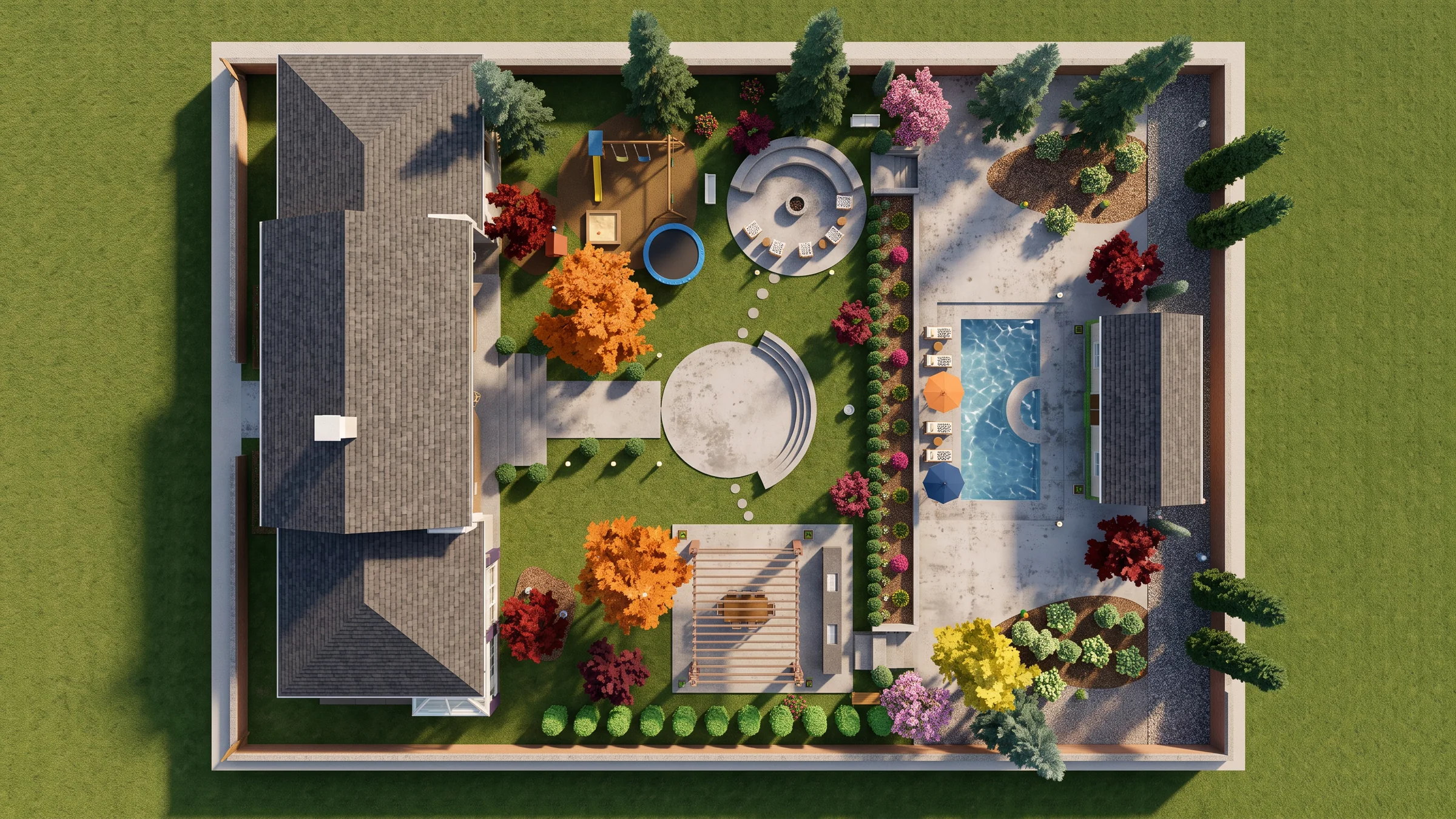
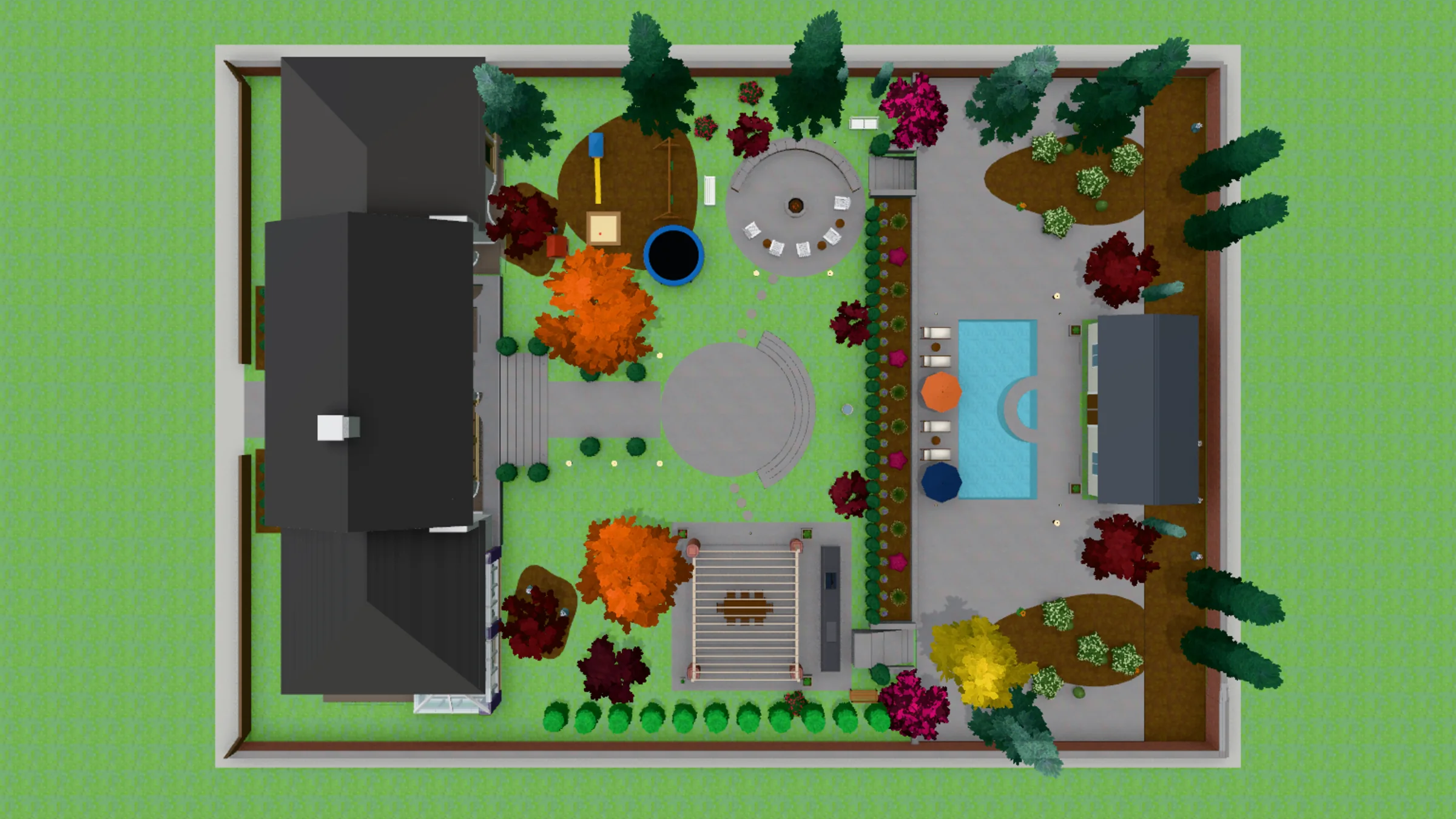
DynaSCAPE draws a landscape plan that clients like to look at: CAD precision with a hand-drawn look, coloured with Color. But a coloured plan is still a plan, seen from above, and DynaSCAPE’s own road to 3D runs through SketchUp. Hadaa’s CAD ↔ Photo takes that drawing as a .dwg, reads the file’s own geometry, builds the garden in 3D, house included, and renders it as a photograph of the finished garden, checked against the drawing. No other landscape tool renders the DWG file itself.
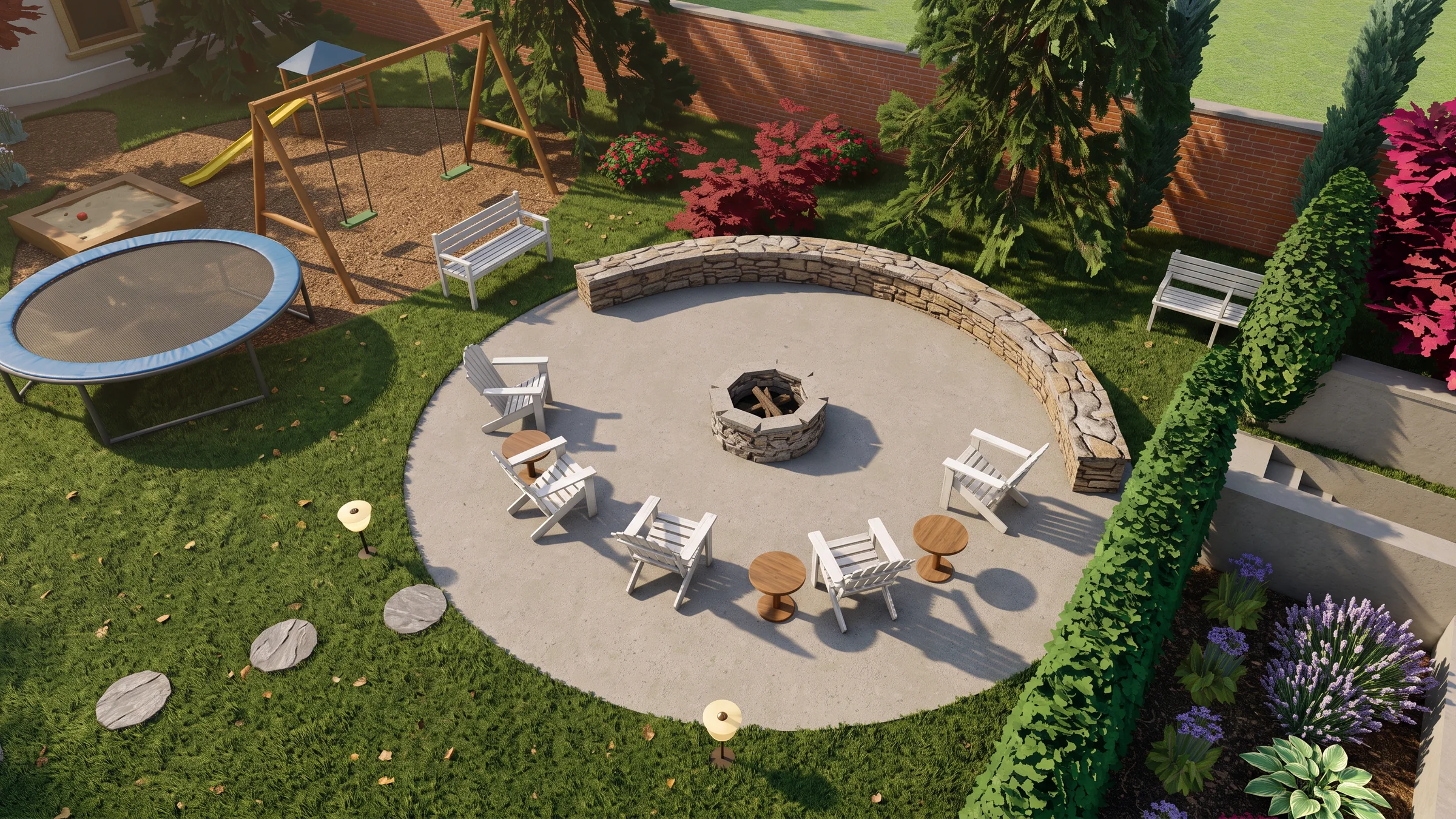
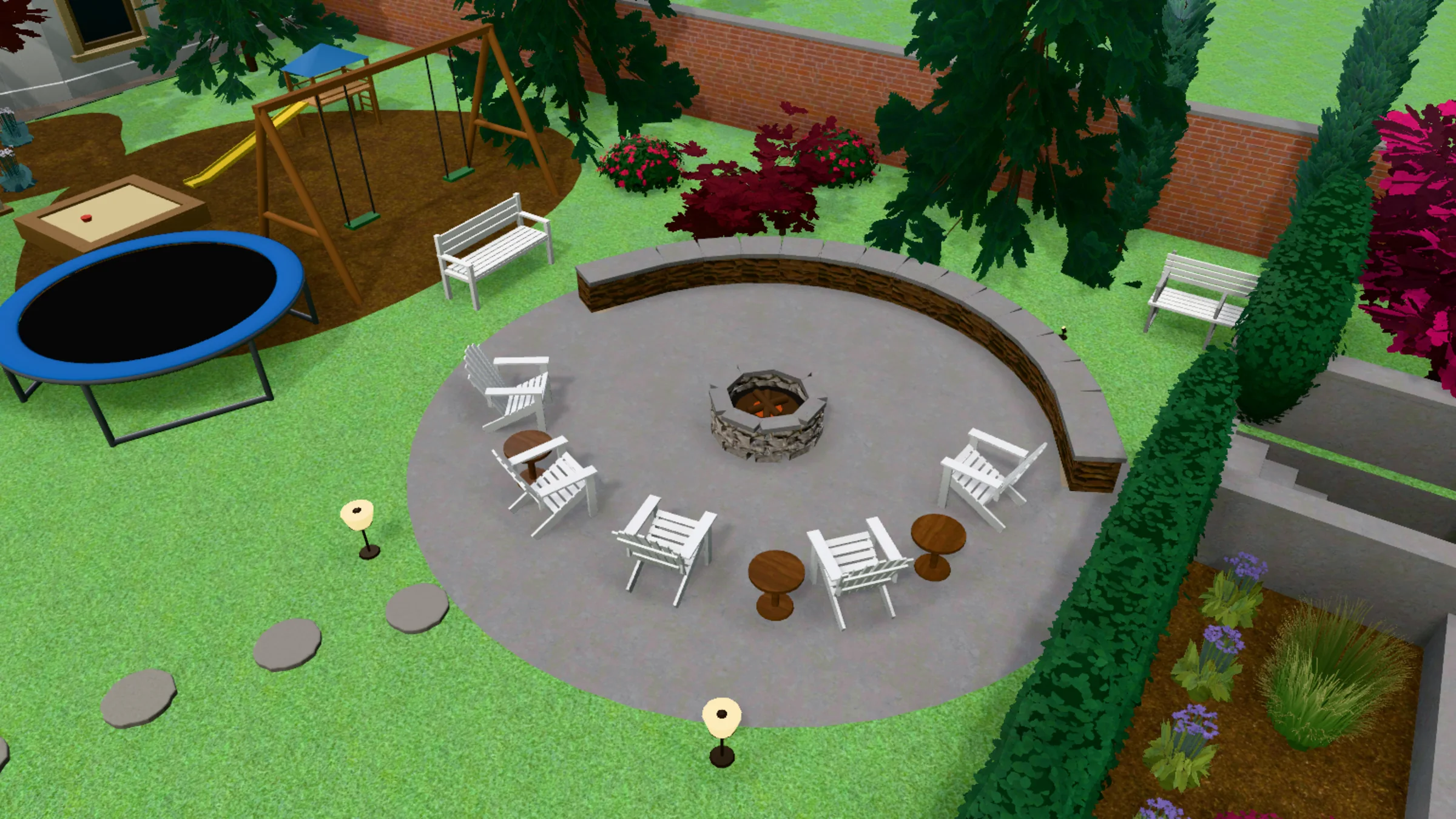 3D model
Render
3D model
Render
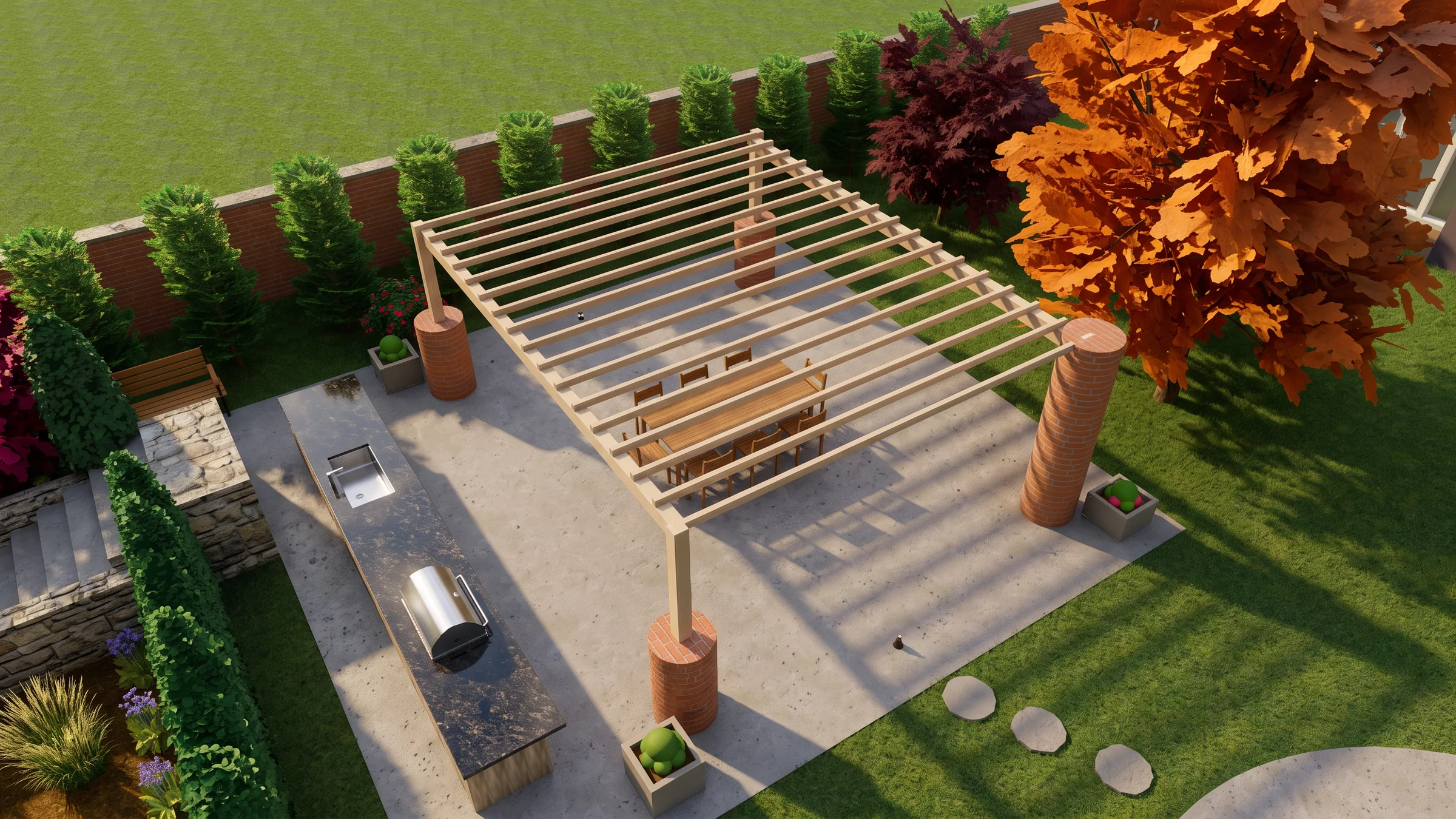
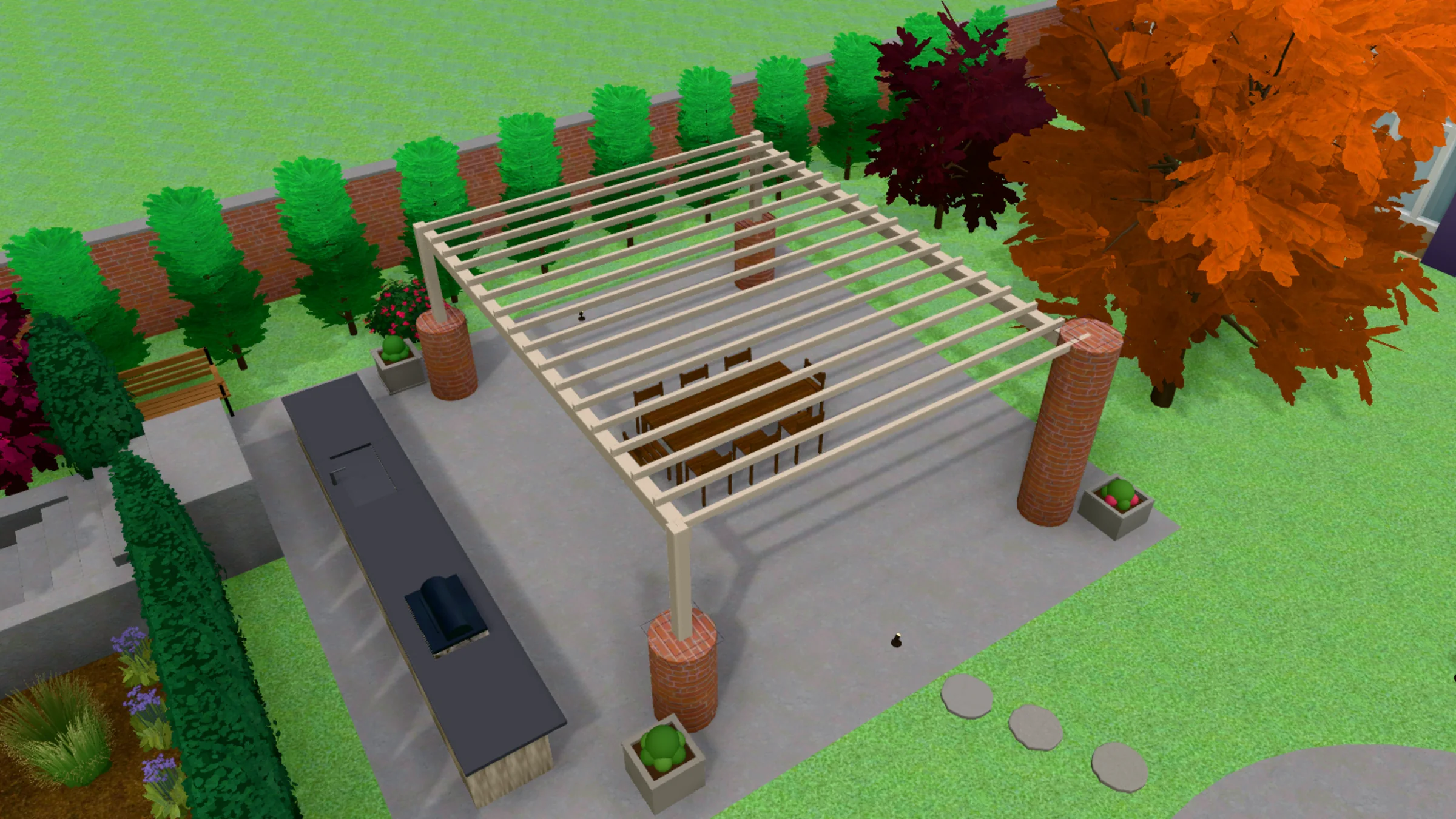
A real render beside the view drawn from its DWG. Drag the handle to compare.
Quick Answer
- From the plan to a photograph: Hadaa wins — it reads the .dwg and builds the 3D garden itself. DynaSCAPE’s 3D path, Sketch3D, works through SketchUp.
- Checked against the drawing: Hadaa wins — every view is measured against the drawing it came from and made again until it matches, up to 3 times.
- Drawing the plan: DynaSCAPE wins — fast, precise drafting in a hand-drawn look. Hadaa doesn’t draft.
- Estimating and the business side: DynaSCAPE wins with Manage360.
- Best together: draw and colour in DynaSCAPE, save the .dwg, render it in Hadaa.
CAD ↔ Photo is in Signature Studio: $199 a month or $1,990 a year, 2,000 credits a month, on the web.
Disclosure: Hadaa is our product. DynaSCAPE is a landscape design tool we respect, and our engine reads its drawing conventions — we’ve described it as honestly as we’d want them to describe us.
Comparison Table
Scroll horizontally on mobile. DynaSCAPE takes the rows about making and selling the plan; Hadaa takes the rows about showing it as a photograph.
| What you get | Hadaa (CAD ↔ Photo) | DynaSCAPE |
|---|---|---|
| Photograph of the finished garden | ✅ From the .dwg itself | Sketch3D with SketchUp, modelled there |
| Coloured presentation plan | The plan view, rendered as a photograph | ✅ Color, in a hand-drawn style |
| 3D model of the garden | ✅ Built from the file’s layers, blocks and levels | Built in SketchUp |
| Plant callouts read | ✅ Species shape each plant’s look | ✅ Written on the plan |
| Render checked against the plan | ✅ Every view made again until it matches, verdict shown | ❌ No |
| The design in your own site photo | ✅ Walk Around | ❌ No |
| Drafting the plan | ❌ Not a drafting tool | ✅ CAD precision, hand-drawn look |
| Estimates and proposals | ❌ No | ✅ Manage360 |
| Price | Signature Studio $199/mo or $1,990/yr | Design $158/mo or $1,599/yr |
How Hadaa Renders the DWG
Hadaa CAD ↔ Photo — The Plan, Built and Photographed
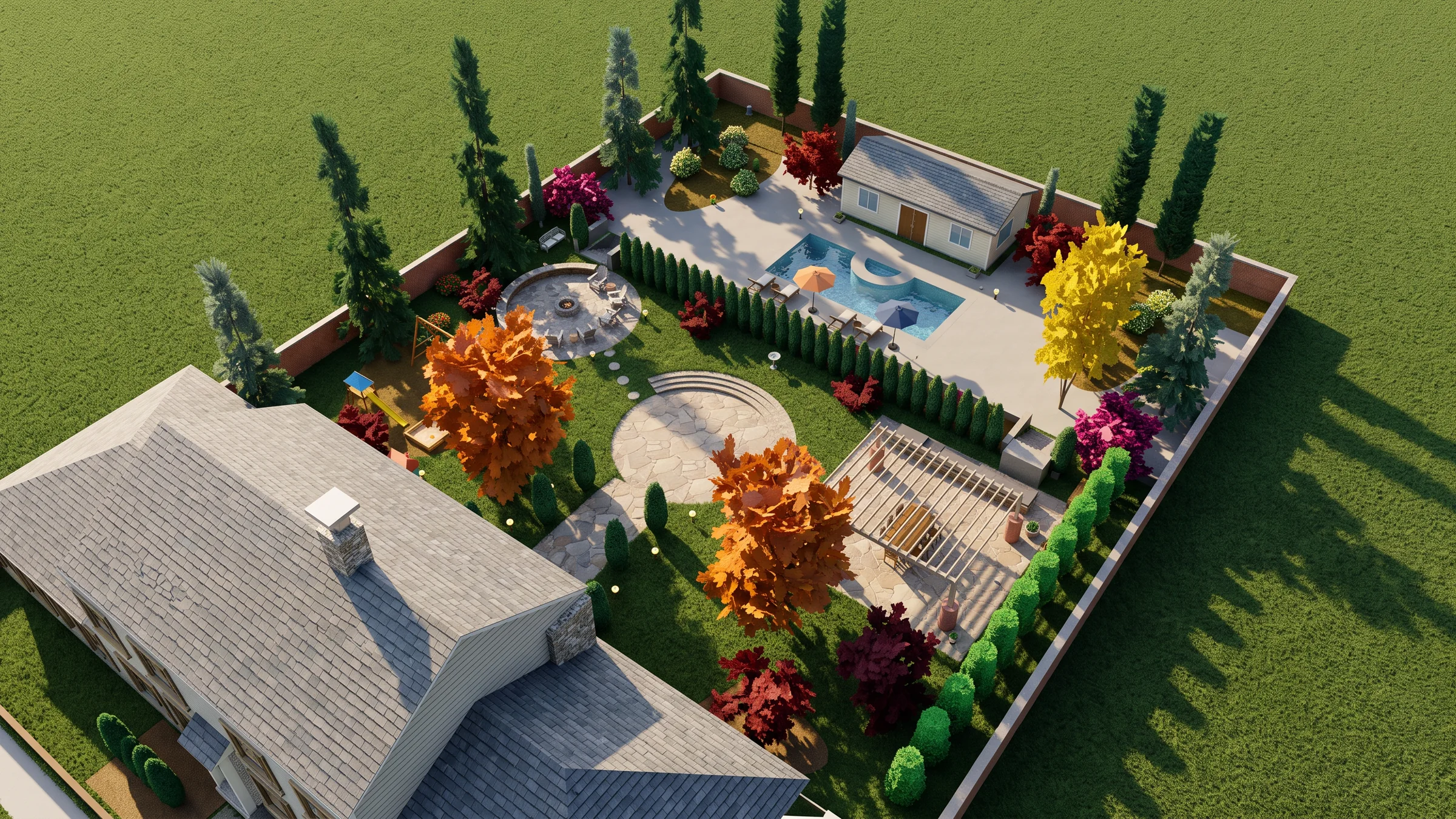
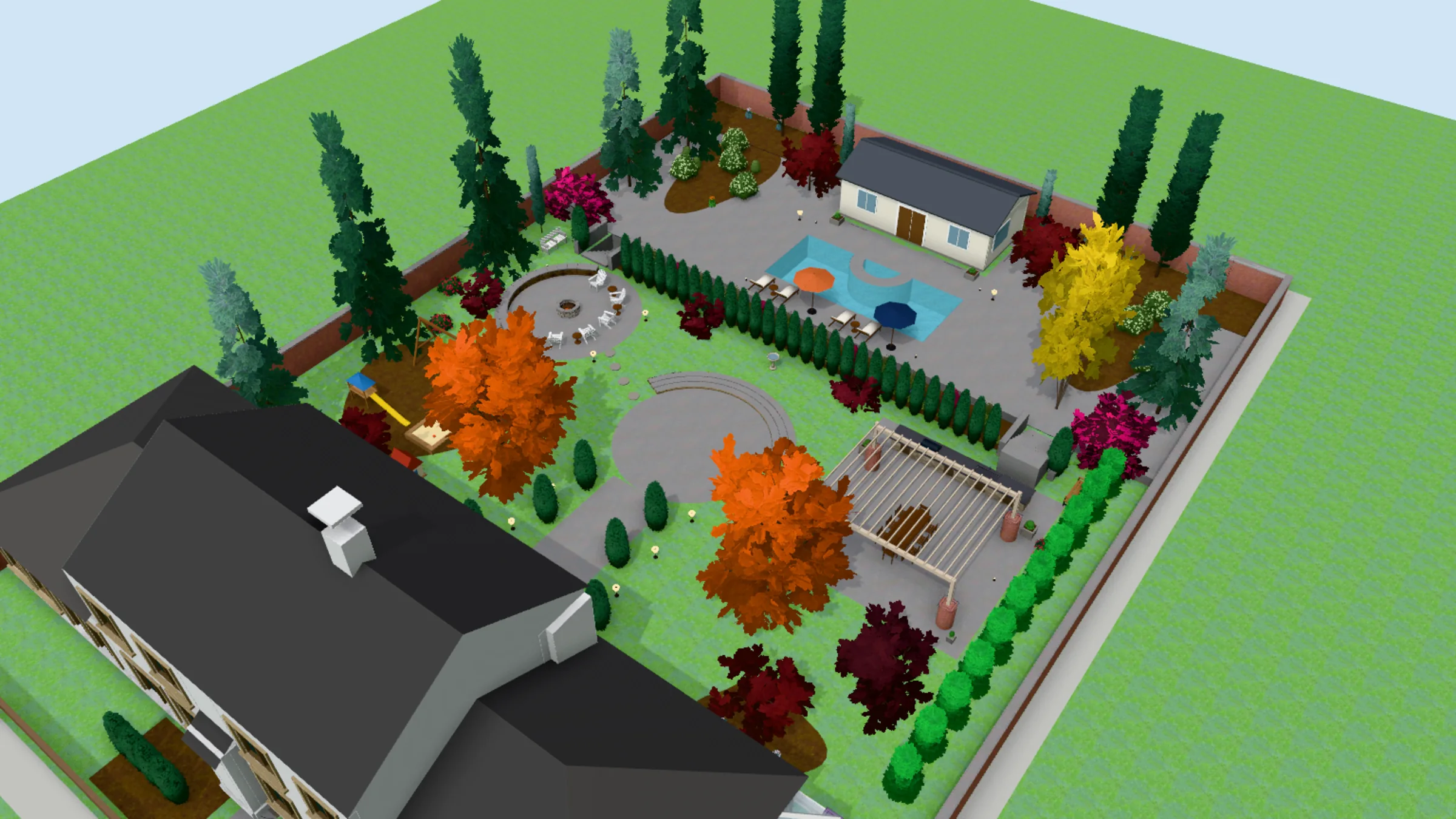 3D model
Render
3D model
Render
 3D model
Render
3D model
Render
 3D model
Render
3D model
Render
A screenshot is a picture of your design. The .dwg is the design itself: real units, a layer for every kind of thing, every tree placed by name. Hadaa CAD Engine builds the garden straight from it, and lists every height and roof it chose before you spend a credit. From it, Hadaa builds the garden — beds, paths, walls, fences, trees and the house — as a 3D model you can turn, slide and zoom from 20° above the ground to straight above. A plant’s callout decides what it looks like, and what each thing is made of is read from the drawing’s labels and hatches; you can change any of it by clicking the model.
Then it renders: five recommended views — the plan and all four sides — or a shot you frame yourself, and Walk Around puts the design into a photo you took on site. Every view is measured against your drawing — 27 kinds of thing, among them the roof, paving, trees, fence, water and lawn — and made again, up to 3 times, until it matches. The verdict is shown under every render.
Reading the drawing, the 3D model, edits and materials are included in Signature Studio. Credits go on the images: 9 an image, 15 in high detail, and a checked view takes 1–3 images. A view we can’t make costs you nothing.
The honest boundary: Hadaa doesn’t draft, estimate or edit the DWG. Everything that makes and sells the plan is DynaSCAPE’s ground, covered below.
Bottom line
DynaSCAPE shows the client the plan. Hadaa shows them the garden that plan will build, from the same file, checked against it.
See Your DWG Rendered →Where DynaSCAPE Wins
Credit where it’s due: DynaSCAPE is built for landscape professionals and it shows. Design gives “all the technical capabilities of CAD with an artistic hand-drawn look”, Color adds realistic colouring, shading and texture to the plan, and Manage360 carries the design into sales, estimating and running the business. For drawing a residential plan quickly and presenting it well, it is hard to beat.
Its 3D road is Sketch3D, which works with SketchUp to turn a two-dimensional design into a 3D rendering — so the garden is modelled in SketchUp before it is seen from the ground. As listed on DynaSCAPE’s pricing page in October 2026: Design $158 a month or $1,599 a year, Design with Color $195 a month or $1,999 a year, the Sketch3D add-on $59 a month or $600 a year, and the Manage360 Design bundle $394 a month or $4,000 a year.
Where DynaSCAPE fits — and where it doesn’t
- Genuinely better: drafting the plan, fast, in a hand-drawn look
- Genuinely better: coloured presentation plans
- Genuinely better: estimates, proposals and the business side with Manage360
- Not built for: a photograph of the finished garden straight from the plan
- Not built for: checking a render against the plan it came from
- 3D runs through SketchUp, so the garden is modelled again
5 Key Differences
Five things that change what you end up with — three where Hadaa comes out ahead on showing the design, and two where DynaSCAPE genuinely wins.
A photograph, not a coloured plan
Color makes the plan look real from above. Hadaa builds the garden in 3D from the same file and renders it from where people will stand in it, from the sides, or from above. The consequence: the client sees the patio from the kitchen door, not just its outline.
No second model
Sketch3D takes the design into SketchUp, where it is modelled. Hadaa reads the .dwg’s layers, blocks, callouts and levels and builds the 3D garden from them. The consequence: the plan you drew is the only thing you make.
The render is held to the plan
Each Hadaa view is measured against the drawing it came from and made again until it matches, and the verdict is shown under the render. The consequence: a tree that went missing is named, not discovered by the client.
Drawing the plan: DynaSCAPE wins
Credit where it’s due. Drafting the design, labelling the plants and colouring the presentation plan are DynaSCAPE’s work, and Hadaa does none of it.
Running the job: DynaSCAPE wins
Manage360 carries a design into estimates, proposals and the business behind them. Hadaa stops at the picture.
Pricing Comparison
| Tier | Hadaa | DynaSCAPE |
|---|---|---|
| Entry | Pro Studio $39/month — photo and sketch engines; CAD ↔ Photo is not included | Creator $119/mo (entry-level designer) |
| The plan | Not a drafting tool | Design $158/mo or $1,599/yr |
| The presentation | Signature Studio $199/month or $1,990/year — CAD ↔ Photo, 2,000 credits a month | Design + Color $195/mo or $1,999/yr |
| 3D | Included: reading, the 3D model, edits and materials; credits go on images (9, or 15 in high detail) | Sketch3D add-on $59/mo or $600/yr, with SketchUp |
| The business | Not offered | Manage360 Design bundle $394/mo or $4,000/yr |
DynaSCAPE prices as listed on DynaSCAPE’s pricing page, October 2026, in USD; monthly figures are paid monthly, yearly figures paid annually.
Key pricing observation: these aren’t competing line items. DynaSCAPE is what the plan is drawn and sold with; Signature Studio is what turns the finished drawing into photographs for the client, with 2,000 credits a month paying for the images. What it saves is the second model a SketchUp rendering would need.
Who Should Use Each
Use Hadaa if…
- → Your plans are drawn and you want clients to see the finished garden
- → You don't want to model the design again in SketchUp
- → You want every render checked against the drawing
- → You want to put the design into a photo of the client's own site
- → You already save your plans as a .dwg
Use DynaSCAPE if…
- → You need to draw the landscape plan itself
- → You like a hand-drawn look with CAD precision
- → You present coloured plans to clients
- → You want estimating and proposals tied to the design
- → You run a design-build business on one system
Frequently Asked Questions
Can Hadaa render a DynaSCAPE drawing? ▼
Is DynaSCAPE or Hadaa better? ▼
How much do DynaSCAPE and Hadaa cost? ▼
Doesn't DynaSCAPE already do 3D? ▼
What does DynaSCAPE do that Hadaa doesn't? ▼
How does Hadaa handle a DWG that isn't perfect? ▼
Can I use both? ▼
Verdict
Keep drawing in DynaSCAPE. For drafting a landscape plan, colouring it and running the business behind it, DynaSCAPE is built for the job.
Show the client the garden with Hadaa. Save the plan as a .dwg and CAD ↔ Photo builds it in 3D, house included, renders it as a photograph and checks it against the drawing, with every height and roof it chose listed first. The coloured plan says what will be built; the photograph shows what it will look like.
Related
Vectorworks Landmark vs Hadaa: From DWG Plan to Photo
hadaa.app /compare/hadaa-vs-vectorworks-landmark
SketchUp + V-Ray vs Hadaa: Render a DWG Without a Model
hadaa.app /compare/hadaa-vs-sketchup
DWG to Render: Your AutoCAD Plan as a Photograph
hadaa.app /dwg-to-render
AutoCAD Landscape Rendering From the DWG
hadaa.app /blog/autocad-landscape-rendering-dwg